popcorn
An audible clock that embeds timestamps directly into audio using DTMF tones. Built for the RØDE Wireless GO, popcorn solves the lack of timecode by encoding the current time into recordings, with a script to later decode and sort files accurately.


Net result: the issue I was chasing here effectively resolves itself, which makes this post (and the tool) largely moot — but the behavior is still worth documenting.
Anyone who grew up in California—and is of a certain generation—probably remembers dialing 767-2676 (POP-CORN) to set the clock. This was, of course, before we all started carrying personal crack houses on our hips that tell us everything, including the time.
That little bit of nostalgia is why I named this thing (or at least the route to it on my site) popcorn.
What it does is simple: it’s an audible clock that emits the current time encoded as DTMF tones every few seconds. I built it because I needed a reliable way to add timestamps to recordings made with the RØDE Wireless GO (3rd Gen)—a device that, bafflingly, doesn’t include even a basic clock.
The problem
Without timestamps, tracking when something was recorded becomes manual, annoying, and error-prone. If you don’t export recordings regularly, it quickly turns into a nightmare trying to determine which day—or even which session—an audio file came from.
In video workflows, this problem is often solved with a clapperboard (or slate). But with audio-only recording, you’re left to improvise. One obvious approach is to grab the time from the good ol’ trap house and speak it at the start of each recording. Unfortunately, I’m someone who prefers to speak as little as possible. Even worse, spoken timestamps are harder to reliably parse later in software.
Solution (for someone who speaks little)
Encoding the timestamp as DTMF tones felt like the obvious answer. I was genuinely surprised this wasn’t already a well-established solution. If hardware in 2026 can ship without basic timestamps, surely someone had solved this elsewhere… right?
Apparently not. (Or at least, AI says not—so take that with the usual grain of salt.)
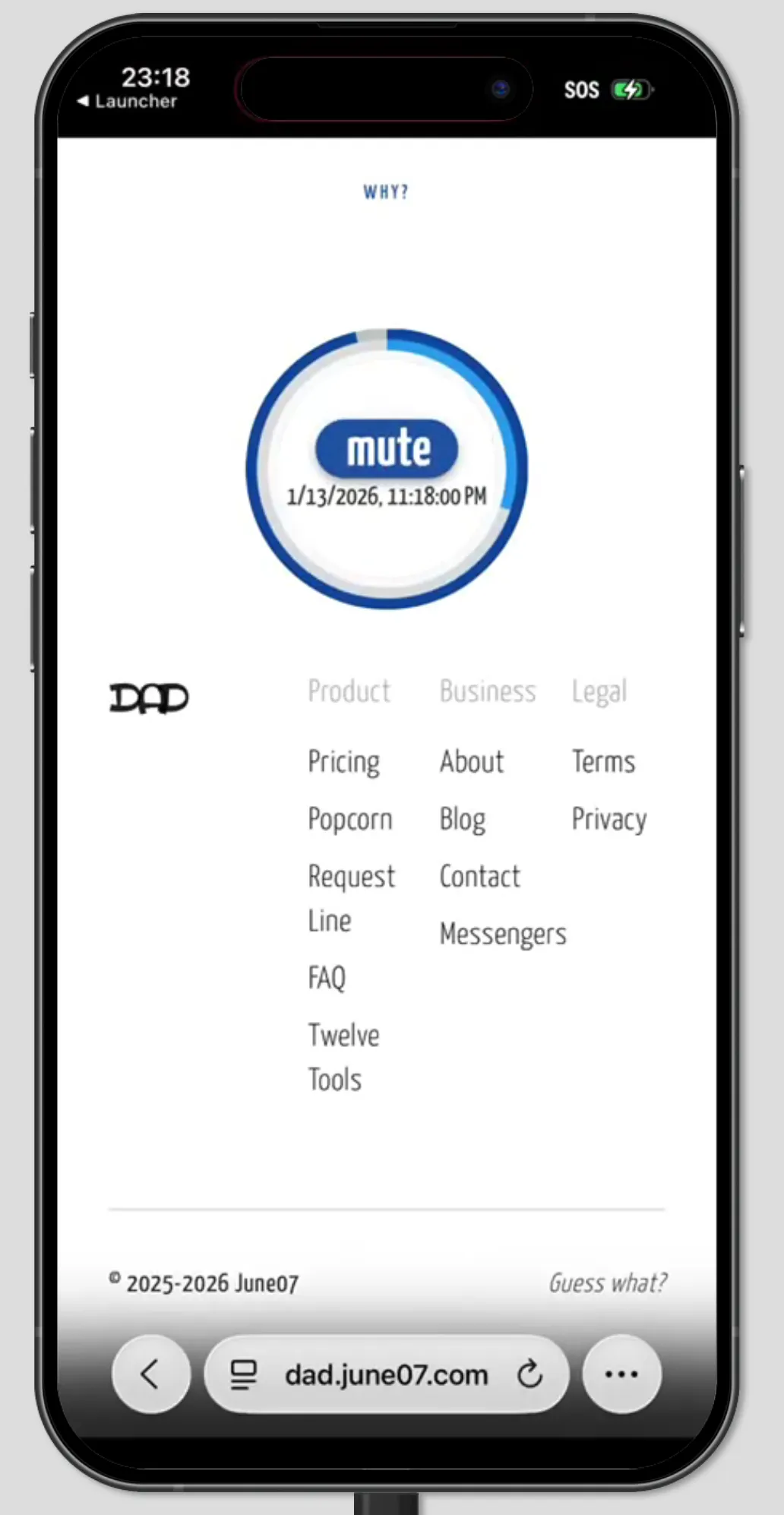
How to use it
Using popcorn is intentionally low-effort. Start it running, then begin recording audio as you normally would. Every few seconds, the current time is emitted as DTMF tones and captured directly into your recording. No buttons to press, no talking, no ritual.
When you later review or process the audio files, those tones act as embedded timestamps—machine-readable markers that travel with the recording itself. As long as the tones are present, the time is recoverable, regardless of file names, export order, or device quirks.
Decoding and sorting
Alongside the clock itself, there’s a companion script called tonesort.js. This script scans the recorded audio files, decodes the DTMF timestamps, and extracts the embedded time information.
Once decoded, the script can automatically sort, rename, or organize recordings based on when they were actually made—eliminating the guesswork entirely. Instead of manually calculating dates or relying on unreliable metadata, the timestamp is pulled straight from the audio.
Together, the audible clock and tonesort.js turn a timestamp-less recorder into something far more civilized—without upgrading hardware, changing workflow, or saying a single word.